SMS lets you text customers from a dedicated shop number, right inside Claimory. It is one of the biggest cuts to where-is-my-car phone traffic. Available on Professional and up.
Step 1
1
Open the SMS Center
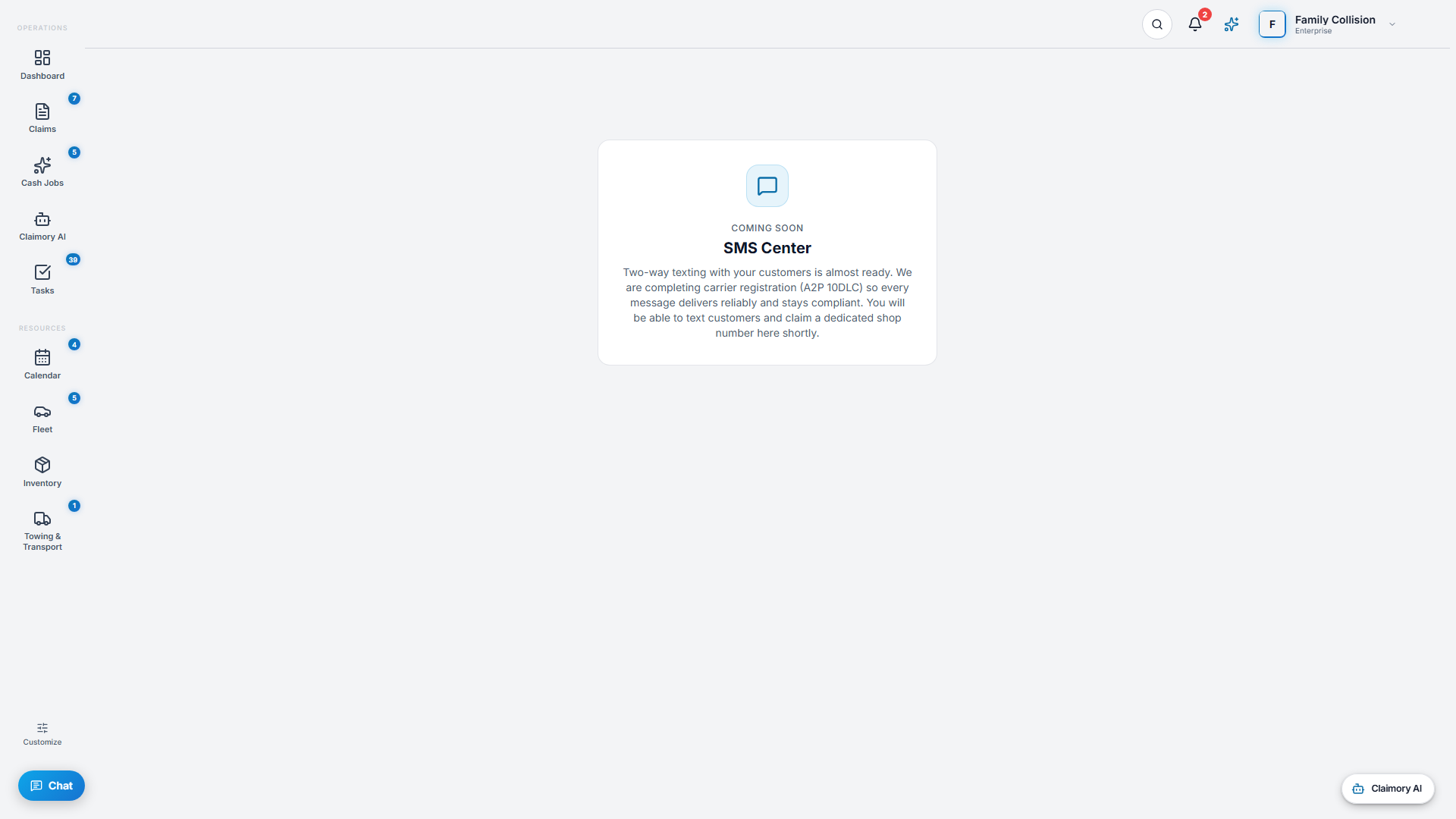
Click SMS in the navigation. The first time, provision your shop number (you can request a preferred area code). After that you have a conversation list and a message thread, like any texting app.
app.claimory.io/sms
Step 2
2
Start a conversation
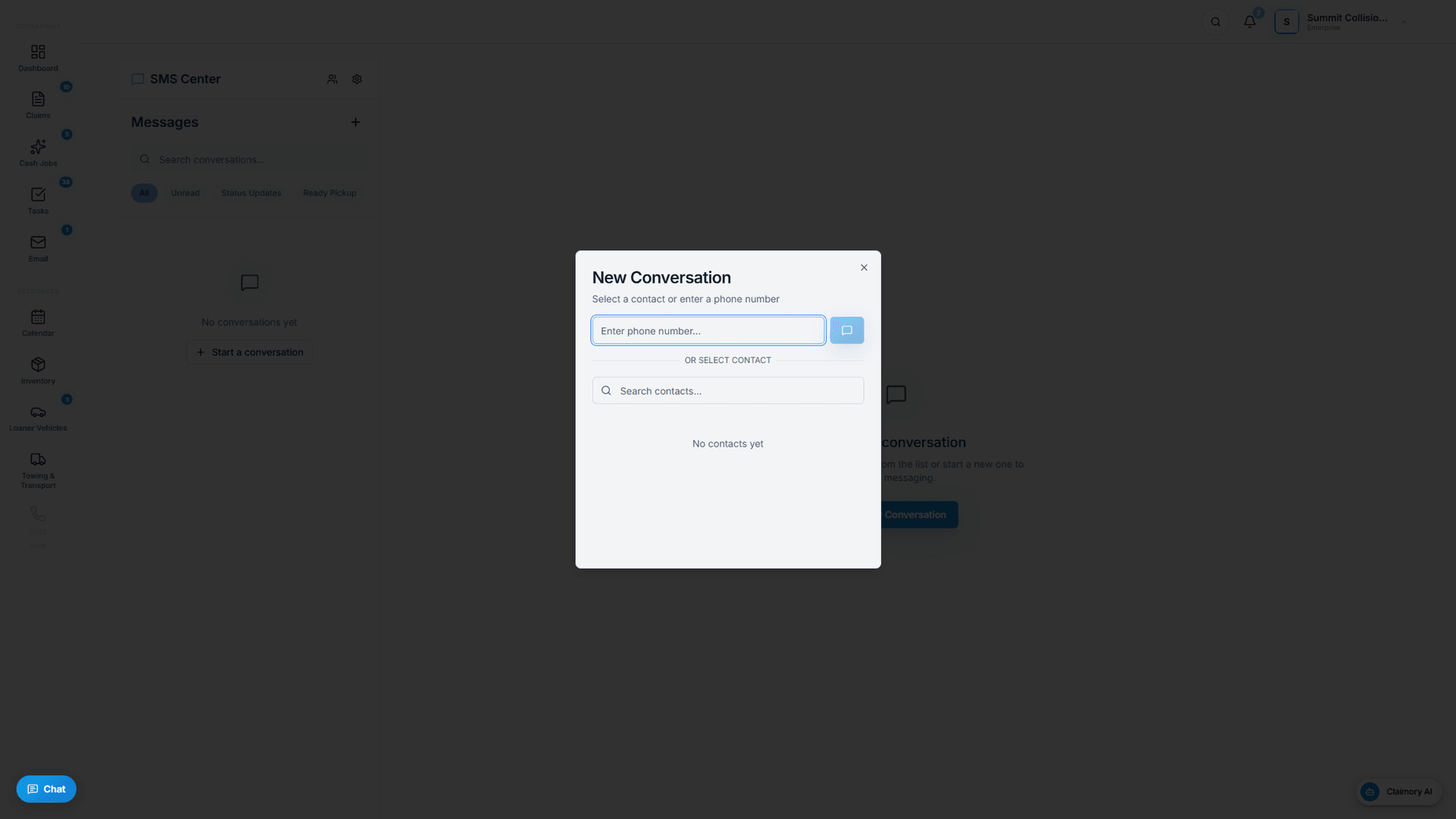
Press New Conversation, pick a contact, and text. Inbound replies land in the same thread, and you get an alert when a customer texts back.
app.claimory.io/sms
Step 3
3
Turn on automatic notifications
In SMS settings, enable automatic messages for status updates, appointment reminders, ready-for-pickup, and supplement updates, so customers stay informed without anyone typing.
Pro tip
The Claimory AI Rewrite toggle polishes the tone and clarity of an outbound text before you send it.
4
Step 4
4
Watch your usage
SMS is metered (250 per month on Professional, 1,000 on Elite, unlimited on Enterprise). The settings panel shows sent, delivered, and failed counts for the month.