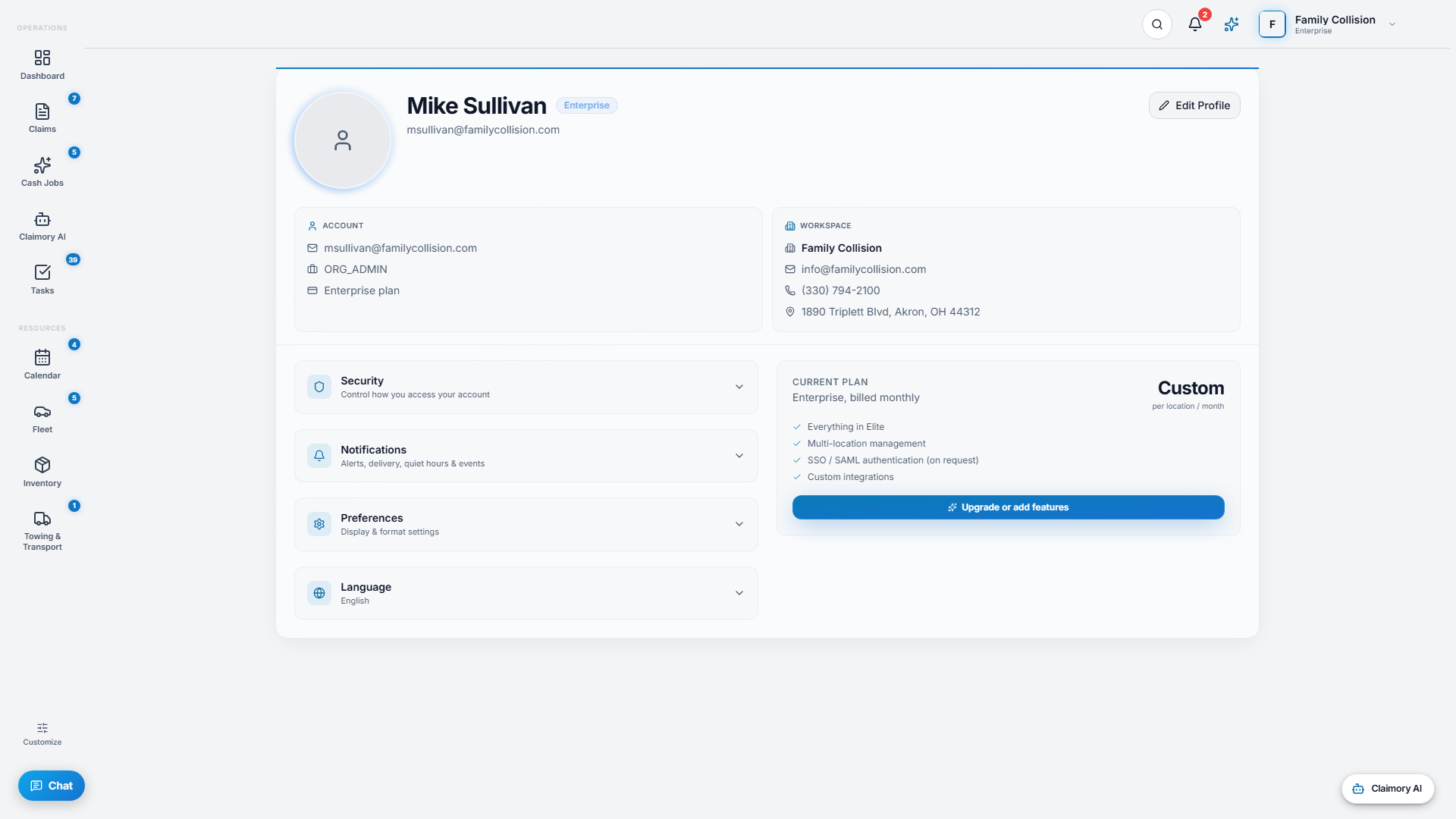
Account is your personal space, separate from the shop-wide settings. Every user has one, whatever their role.
Step 1
1
Profile and security
Set your name, avatar, and phone. Under Security you can change your password and sign out of all devices at once.
app.claimory.io/account
Step 2
2
Notifications, your way
Choose how and when Claimory reaches you: push, sound, and vibration; quiet hours; per-event toggles for tasks, claims, and communication; and per-channel delivery including a daily email digest.
Pro tip
Turn on Critical Only Mode when you want just the important alerts.
3
Step 3
3
Preferences
Set your default landing view, date and time format, number format, compact mode, and keyboard shortcuts, so the app fits how you work.
4
Step 4
4
Language and account control
Pick your language. The Danger Zone lets you sign out everywhere, and delete your account and data with a typed confirmation.